← All support articles
Video Assembly
Stitch the cameras down the pool into one continuous, full-length swim.
Assembly turns the cameras along the pool into one continuous video of a single swim, wall to wall. You pick the frame where each camera takes over, and SwimClips stitches them together.
Before you start
Line the cameras down the pool, start to turn. See the two ways to place the cameras.
Open the collection for the swim you want.
Heads up: Assembly only uses the angles currently showing. Unhide any angle you want included first (the eye icon in the top bar, or ⋯ → Enable disabled videos), and hide any you don't.
Build an assembly
Tap the merging-arrows icon in the top bar.
Tap the frame you want to start on.
Scrub until your swimmer is in the next camera's frame, tap that frame, and repeat down the pool.
Tap Save. The assembly is added to the collection.
Heads up: if an angle keeps showing a loading spinner, drag the timeline forward a little and it'll pop up. It's a known issue we're fixing.
Fix a cut
Move a cut: tap the orange pencil and drag the dots on the timeline.
Remove an angle: tap the red ×.
Rename or delete an assembly
Rename: ⋯ → Rename video → pick the assembly.
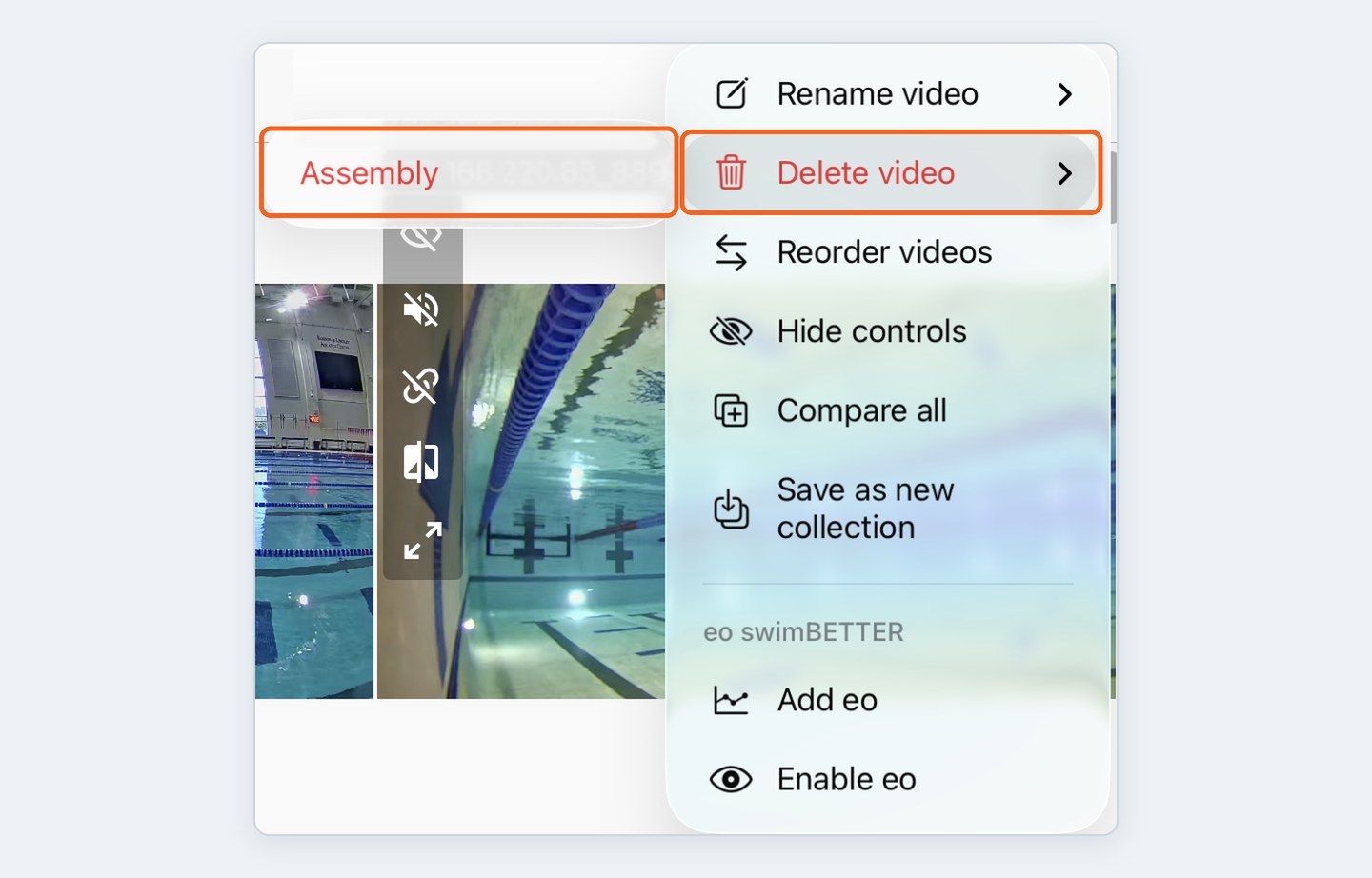
Delete: ⋯ → Delete video → pick the assembly. Your recorded angles aren't affected.